

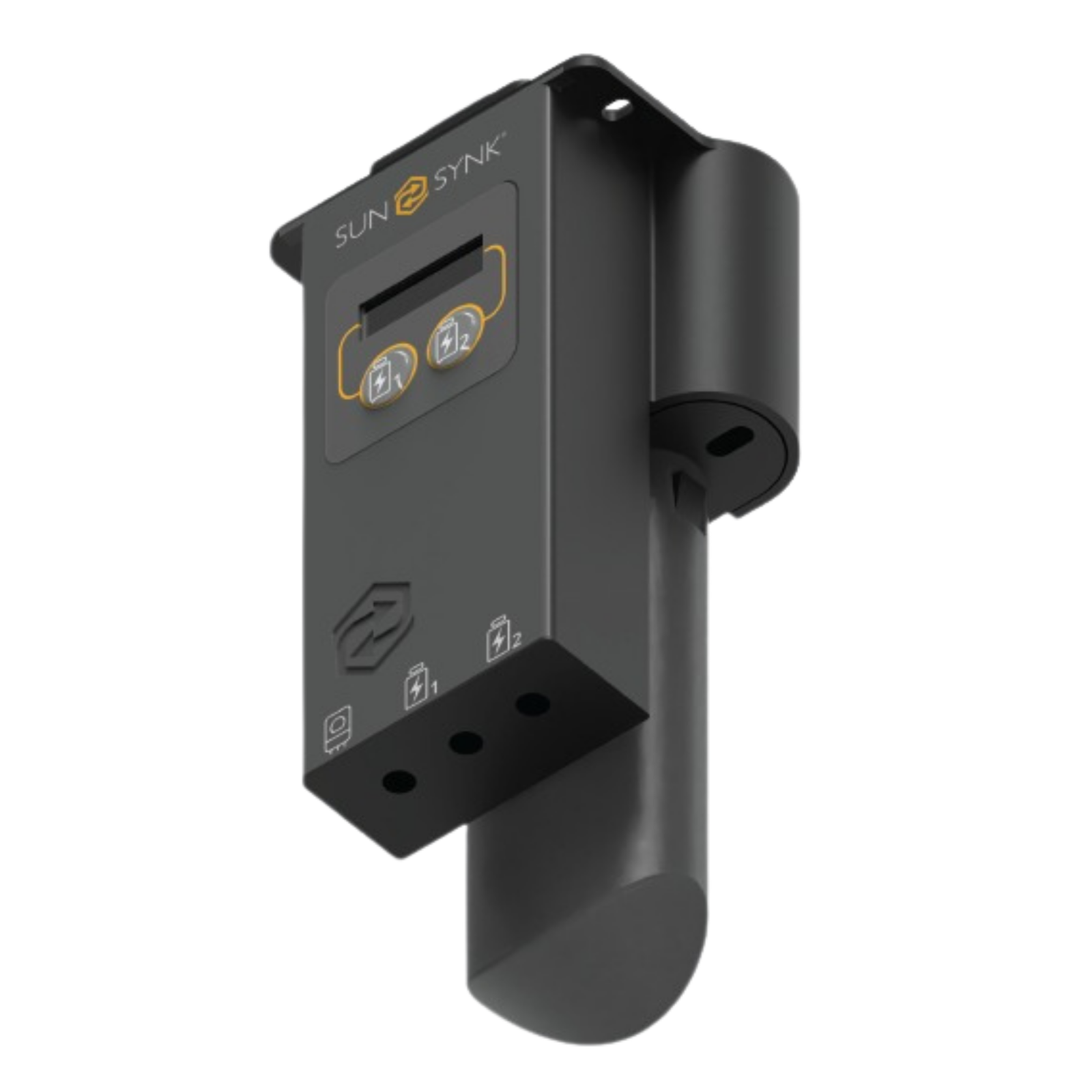
Sunsynk Klik Dongle Wi-Fi Solar Monitoring Device
R1 033.85 incl. VAT
The Sunsynk Klik Dongle is the official Wi-Fi monitoring device for Sunsynk hybrid inverters, enabling real-time solar monitoring, remote configuration, and firmware updates via the Sunsynk app and Sunsynk cloud portal. Connecting to the inverter via RS485 and transmitting data over 2.4GHz Wi-Fi, the Klik Dongle provides complete visibility of solar yield, battery state of charge, load consumption, and grid import/export from any smartphone or browser. Essential for commissioning Sunsynk inverters and accessing the full feature set of the Sunsynk monitoring ecosystem. Compatible with all single-phase and three-phase Sunsynk hybrid inverter models. Compact plug-in form factor for easy installation. No additional tools required — plug into the Sunsynk inverter’s monitoring port, connect to your home Wi-Fi, and register on the Sunsynk cloud in minutes.
Estimated Delivery Timeline
Delivery timelines are estimates. Orders typically arrive within 3–5 business days after payment is confirmed.
Sunsynk Klik Dongle Wi-Fi Monitoring Device — Overview
The Sunsynk Klik Dongle is the standard monitoring and connectivity accessory for all Sunsynk hybrid inverters sold in South Africa. Without a monitoring dongle, the inverter’s LCD panel provides local data display only — no remote access, no historical data logging, no app connectivity, and no remote firmware updates are possible. The Klik Dongle bridges the inverter to your home Wi-Fi network, enabling full integration with the Sunsynk cloud platform and unlocking the complete monitoring and remote management feature set of your Sunsynk inverter.
Technical Specifications
- Connectivity: 2.4GHz Wi-Fi (IEEE 802.11 b/g/n)
- Inverter interface: RS485 (plugs into Sunsynk inverter monitoring port)
- Power supply: Powered from inverter (no external power required)
- Cloud platform: Sunsynk cloud (app.sunsynk.net)
- Mobile app: Sunsynk (Android and iOS, free)
- Data logging: 5-minute intervals, stored on Sunsynk cloud
- Remote firmware update: Yes (OTA via Sunsynk cloud)
- Form factor: Compact plug-in dongle
- Compatible inverters: All Sunsynk single-phase and three-phase hybrid models
What the Sunsynk App Shows You
Once the Klik Dongle is connected and your inverter is registered on the Sunsynk cloud, the Sunsynk app displays a real-time energy flow diagram showing power moving between solar panels, battery, grid, and home load in watts. Historical data is available in daily, monthly, and annual views for solar yield, battery cycling, grid import/export, and self-consumption percentage. System alarms and fault codes are transmitted to the app in real time, allowing installers and system owners to identify issues without a site visit. Remote configuration of charge/discharge schedules, battery charge limits, grid export limits, and time-of-use settings is available from the app.
Remote Firmware Updates
Sunsynk regularly releases firmware updates for its inverter range to improve functionality, fix bugs, and add new features — including improved battery compatibility, grid code updates for new NRS 097 requirements, and generator management improvements. With the Klik Dongle installed and connected to Wi-Fi, firmware updates are delivered over-the-air (OTA) via the Sunsynk cloud and installed automatically or on-demand without requiring a technician site visit. Keeping inverter firmware current is particularly important for Sunsynk inverters operating under the evolving South African SSEG grid code requirements.
Wi-Fi Network Requirements
The Klik Dongle connects to 2.4GHz Wi-Fi networks only — it is not compatible with 5GHz-only networks. Most South African home routers broadcast both 2.4GHz and 5GHz bands simultaneously. If your router broadcasts both on the same SSID (network name), the Klik Dongle will automatically connect to the 2.4GHz band. If your router broadcasts separate SSIDs for 2.4GHz and 5GHz, ensure you connect the Klik Dongle to the 2.4GHz SSID. The inverter installation location must have adequate Wi-Fi signal strength — a minimum of -70dBm RSSI at the dongle’s location is recommended for reliable data transmission.
Installation Process
The Klik Dongle installs in minutes. Plug the dongle into the RS485 monitoring port on the Sunsynk inverter. Download the Sunsynk app on your smartphone. Follow the in-app pairing process to connect the dongle to your home Wi-Fi network and register the inverter on your Sunsynk account. Once registered, real-time data appears on the app within 2–3 minutes. No additional wiring, tools, or configuration software is required.
Frequently Asked Questions
Is the Sunsynk Klik Dongle included with new Sunsynk inverters?
No. The Klik Dongle is sold separately. Some Sunsynk inverters ship with a standard RS485 communication cable for connecting to a monitoring device, but the wireless Klik Dongle must be purchased separately to enable Wi-Fi connectivity to the Sunsynk app and cloud platform.
Can I monitor my Sunsynk inverter without a Klik Dongle?
Limited monitoring is available via the inverter’s built-in LCD display, which shows real-time power flow, battery state of charge, and basic alarm codes. However, remote monitoring, historical data logging, firmware updates, and app connectivity all require the Klik Dongle or an alternative RS485-to-network monitoring device.
Does the Klik Dongle work on all Sunsynk inverter models sold in South Africa?
Yes. The Klik Dongle is compatible with all current Sunsynk single-phase inverters (3kW, 5kW, 8kW, 10kW, 12kW, 15kW) and three-phase inverters (8kW, 10kW, 15kW, 20kW, 25kW) sold in South Africa. Confirm compatibility with the specific firmware version on your inverter with your installer if you are installing on an older unit.
What if my inverter is too far from the Wi-Fi router for the Klik Dongle to connect reliably?
Options include extending Wi-Fi coverage with a Wi-Fi extender or powerline adapter closer to the inverter, installing a dedicated access point in the DB room or garage, or using an alternative cellular monitoring solution. Contact PowerVault ZA for advice on your specific installation.
2 reviews for Sunsynk Klik Dongle Wi-Fi Solar Monitoring Device
Add a review
Related products
Accessories & Cables

Accessories & Cables
Accessories & Cables
Accessories & Cables
Accessories & Cables
Accessories & Cables
Accessories & Cables
Hager 63A 2-Pole 30mA Earth Leakage Circuit Breaker (RCCB/ELB)
Accessories & Cables
Farida Latief –
Good quality Sunsynk Klik Dongle Wi-Fi Solar Monitoring Device at a fair price. Insulation is thick and uniform, the conductor is pure copper, and the rating matches the label. Our electrician was happy with the quality. Will order from PowerVault again for the next phase of our system.
Ahmed Essop –
Used the Sunsynk Klik Dongle Wi-Fi Solar Monitoring Device for our solar installation and it has been performing perfectly. The conductor is clean and the insulation handles the outdoor temperature well. PowerVault had it in stock and shipped the same day we ordered.